


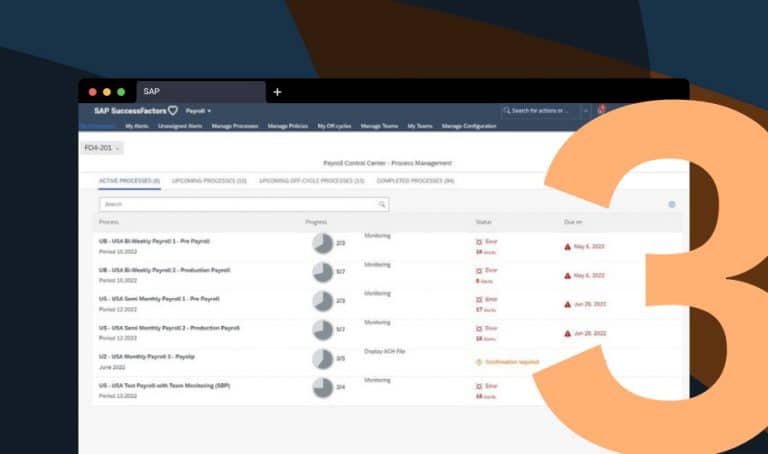
Modern SAP Payroll Control Center (Part 3): Setting Up Background Processes
In the third and final part of our blog series on activating the Payroll Control Center (PCC), we walk you through the setup of the background processes.

In the third and final part of our blog series on activating the Payroll Control Center (PCC), we walk you through the setup of the background processes.
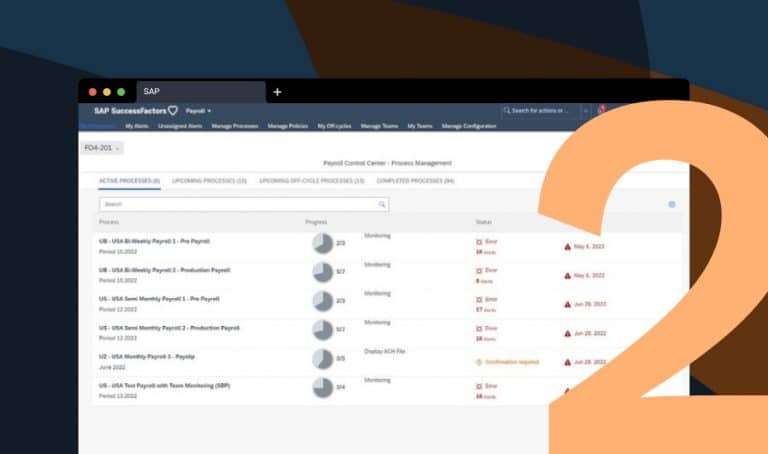
Sie möchten die moderne SAP-Payroll Experience von SuccessFactors ECP auf Ihrem bestehenden ERP-System nutzen? Im zweiten Teil unserer Blogreihe zeigen wir Schritt für Schritt, wie Sie das Payroll Control Center (PCC) aktivieren.
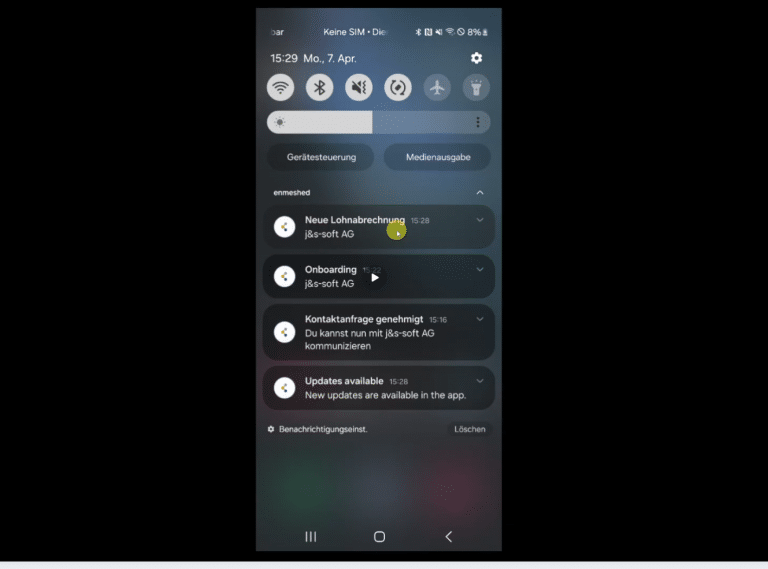
We deliver documents like payroll directly to employees via their enmeshed Wallet—securely and without portals or manual steps. The enmeshed Wallet is a privacy-first app for receiving and managing personal data and documents. Our solution runs on SAP BTP and is flexible enough for use beyond HR and even SAP.
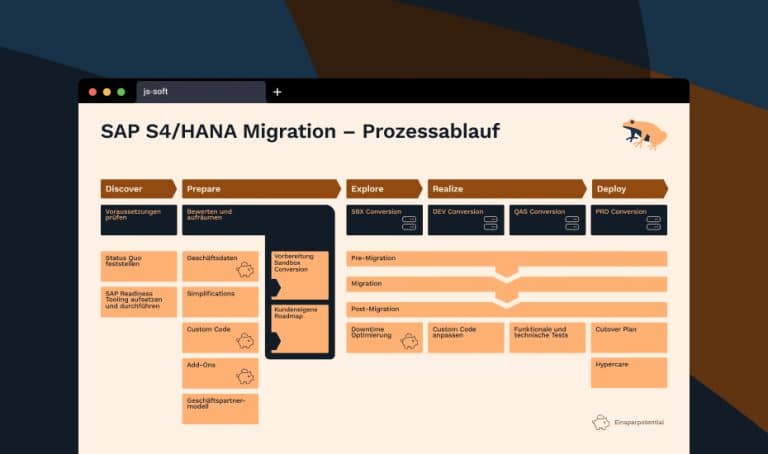
Time is running: Anyone who wants to continue using SAP HCM must act. With the upcoming end of maintenance for the current SAP ERP systems, there is no way around SAP HCM for S/4HANA. The transition can be much more than a technical project – it can become a strategic milestone for the future of your HR processes.
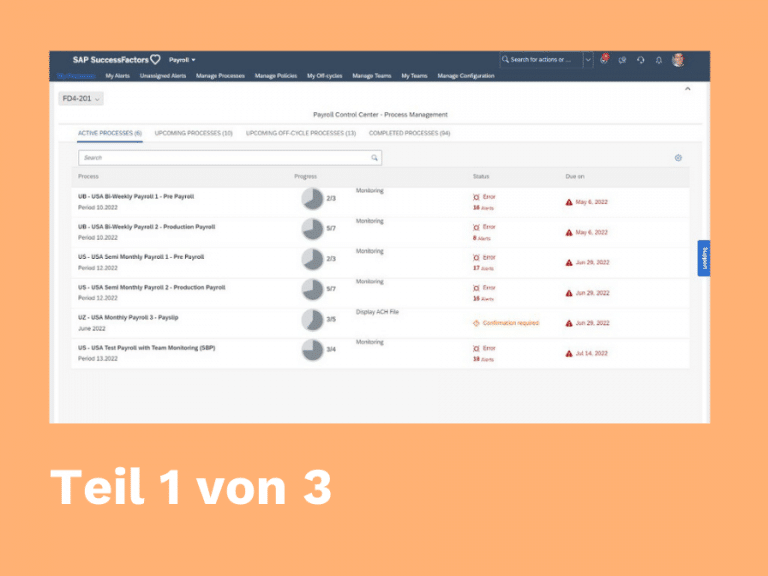
In the first part of our blog series, we will show you step by step how to activate the Payroll Control Centre (PCC) – starting with the Configuration Workbench (CW). Topics covered: Business Functions, SAPUI5, OData Services, and Declustering.

The entire path to the cloud in HCM is not an option for many SAP customers. That is why SAP presented SAP HCM for S/4HANA aka H4S4.